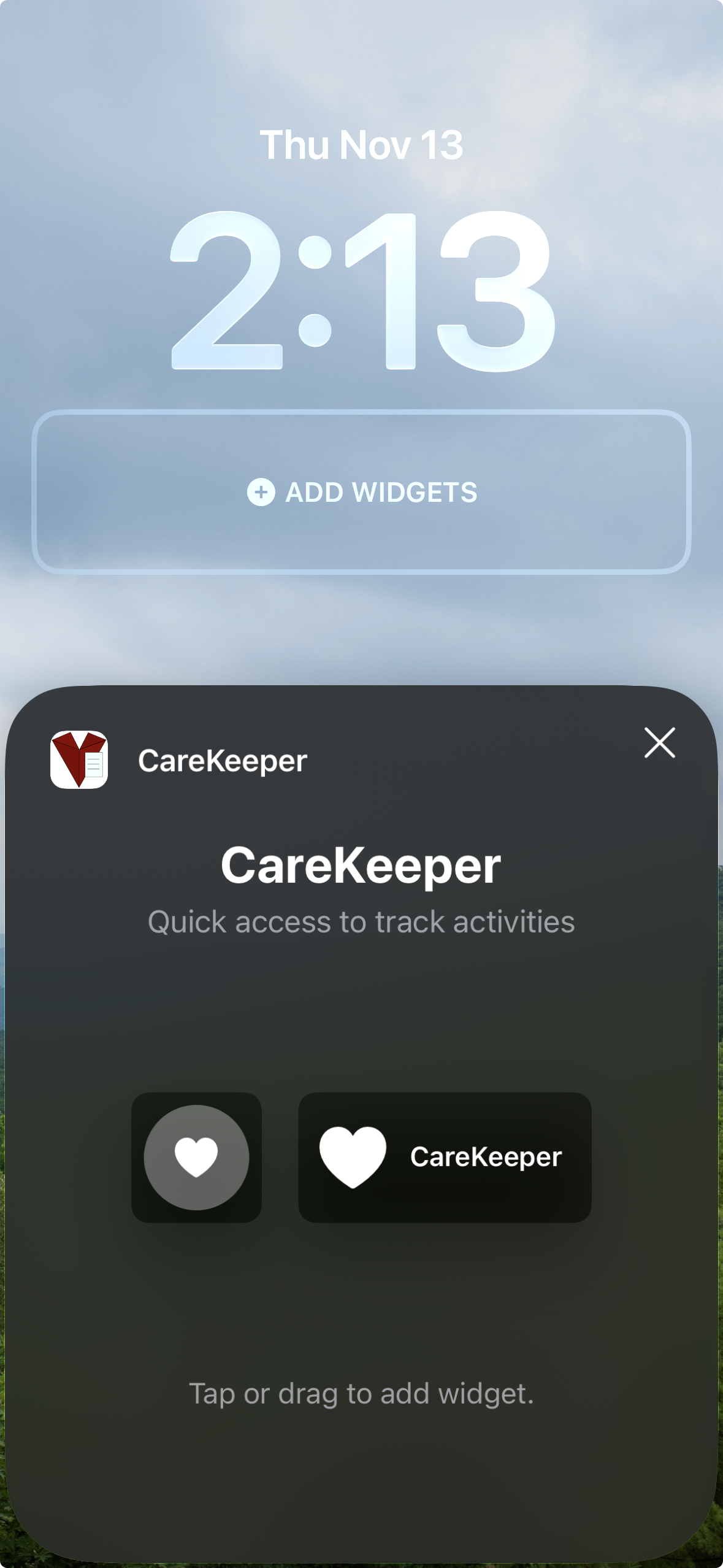
Add CareKeeper to Your Lock Screen
Launch CareKeeper in a tap from your lock screen with the iOS Lock Screen launcher widget.
Add the Lock Screen Widget
- Press and hold your Lock Screen, then tap Customize
- Choose Lock Screen
- Tap the widget area beneath the clock
- Scroll to CareKeeper in the list and tap it
- Pick the Launch CareKeeper widget
- Tap Done to save
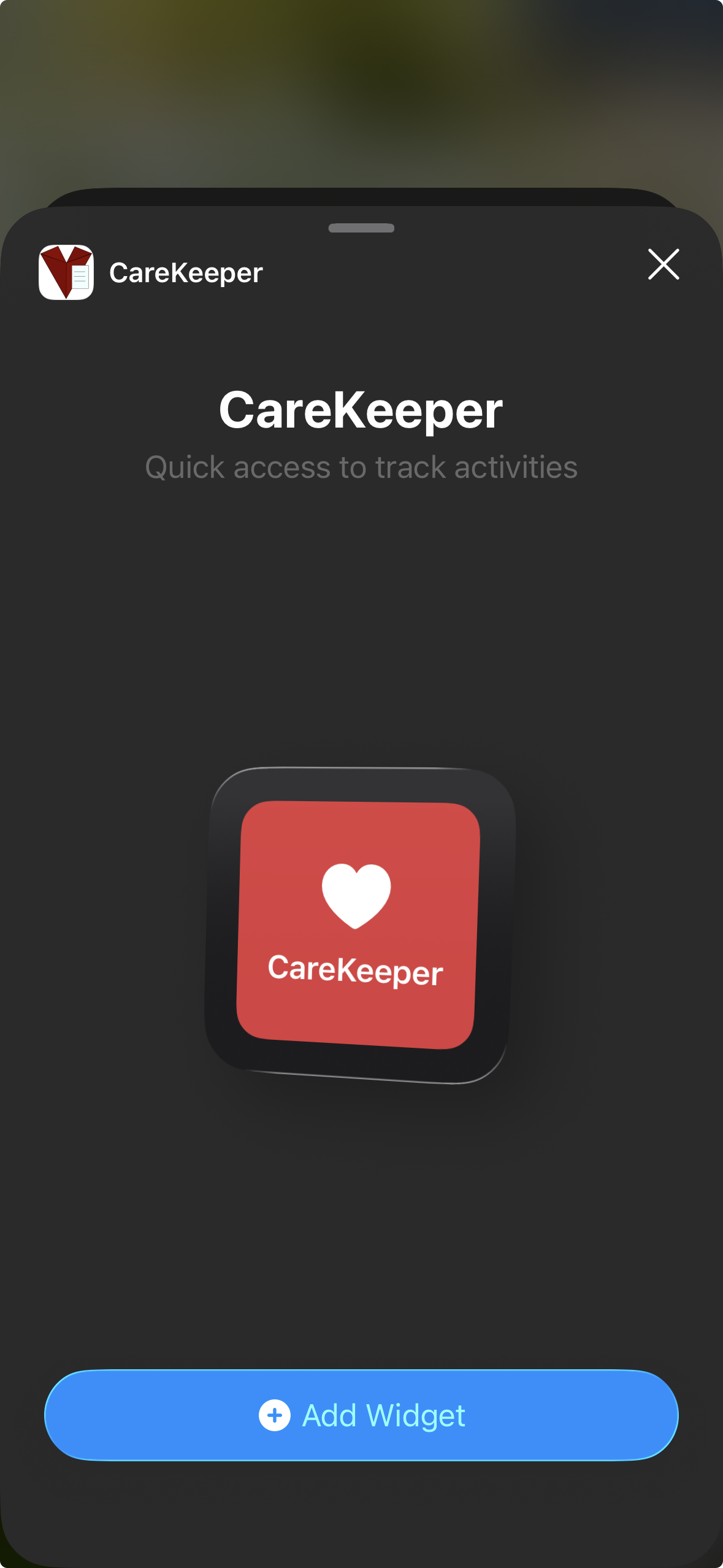
Add a Home Screen Launcher (optional)
- Press and hold the Home Screen until icons jiggle
- Tap Edit in the top-left
- Tap Add Widget
- Search for CareKeeper
- Choose the Launch CareKeeper widget
- Pick a size and tap Add Widget
- Drag it to your preferred spot and tap Done